Personalize the store.
Automate the follow-up.
Build the storefront for an audience, or one shopper
In Studio you choose who, a cohort built from Shopify behavior or one specific shopper, and generate the storefront UI they see: heroes, modals, reorder blocks, with no limit. All from a single theme block, with no rules to wire up and no widget slots to place.
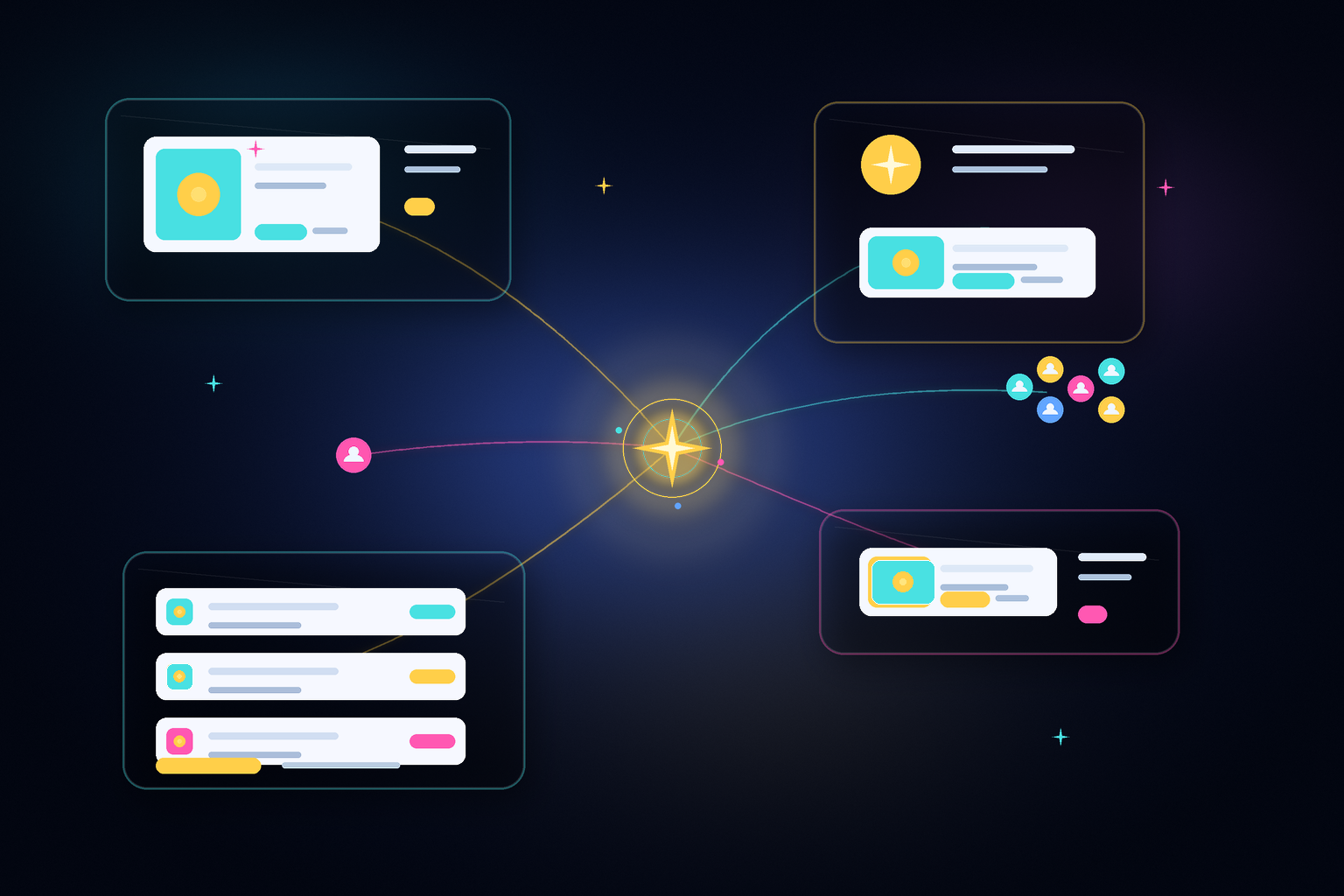
One goal in. A whole campaign out.
Describe what you want. Campaigns reads your raw customer data, builds the audience, and generates everything for it: the email and the matching storefront widgets. It sends through your email provider, then tracks what converts so the next one is sharper. You review and launch; nothing sends without you.

One engine, store and inbox
When a campaign goes live, your storefront transforms to match it for that audience. The shopper clicks the email and lands on a store that continues the same conversation. Same offer, same story. The email never promises something the store doesn't show.